01
Install the VyStream plugin
A guided installer places the VyStream Dock inside OBS.
VyStream Camera
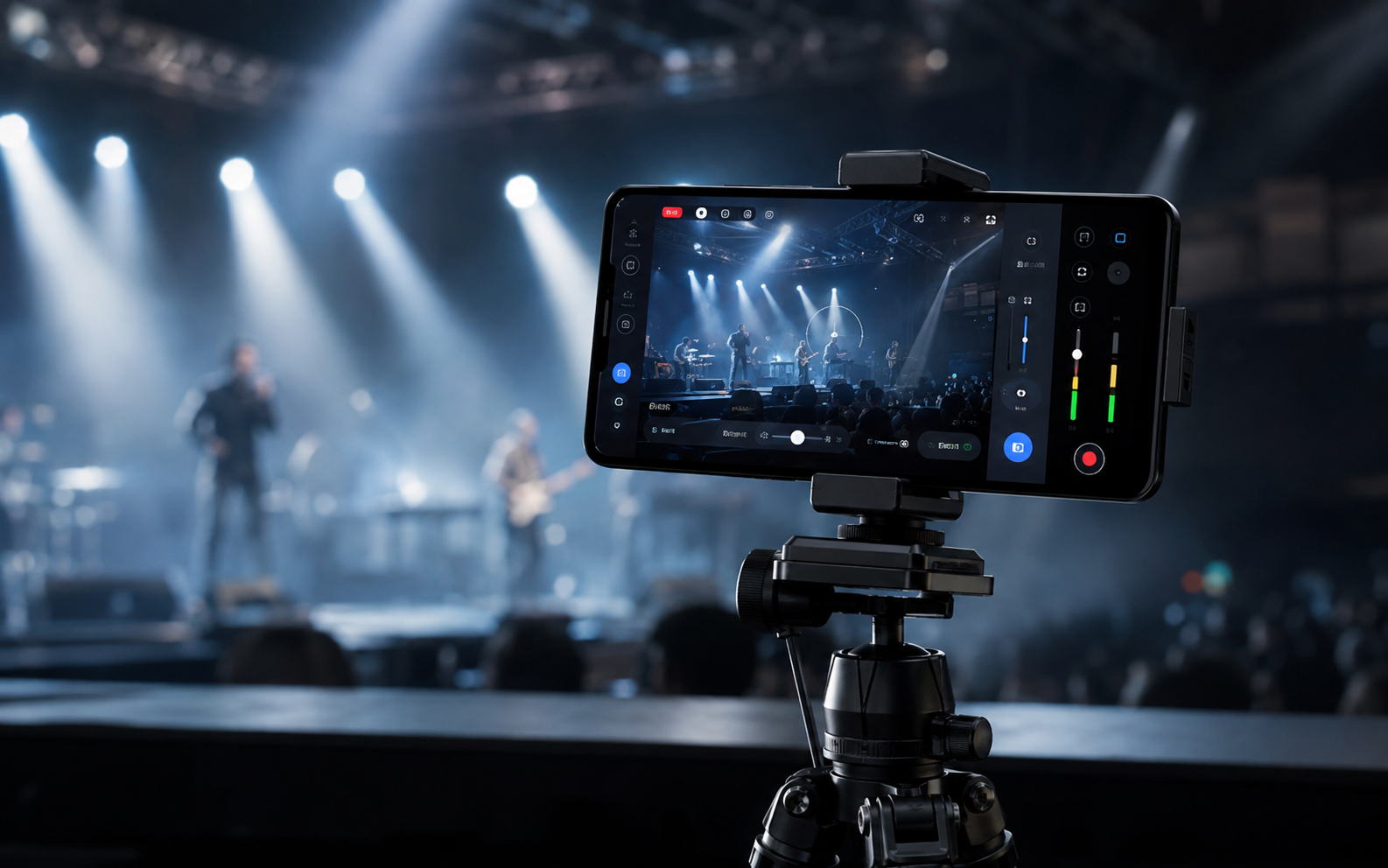
Your phone. Your camera. Your broadcast.
Stream high-quality video directly into OBS over SRT. No IP addresses to type. No complicated setup. Scan. Connect. Go live.
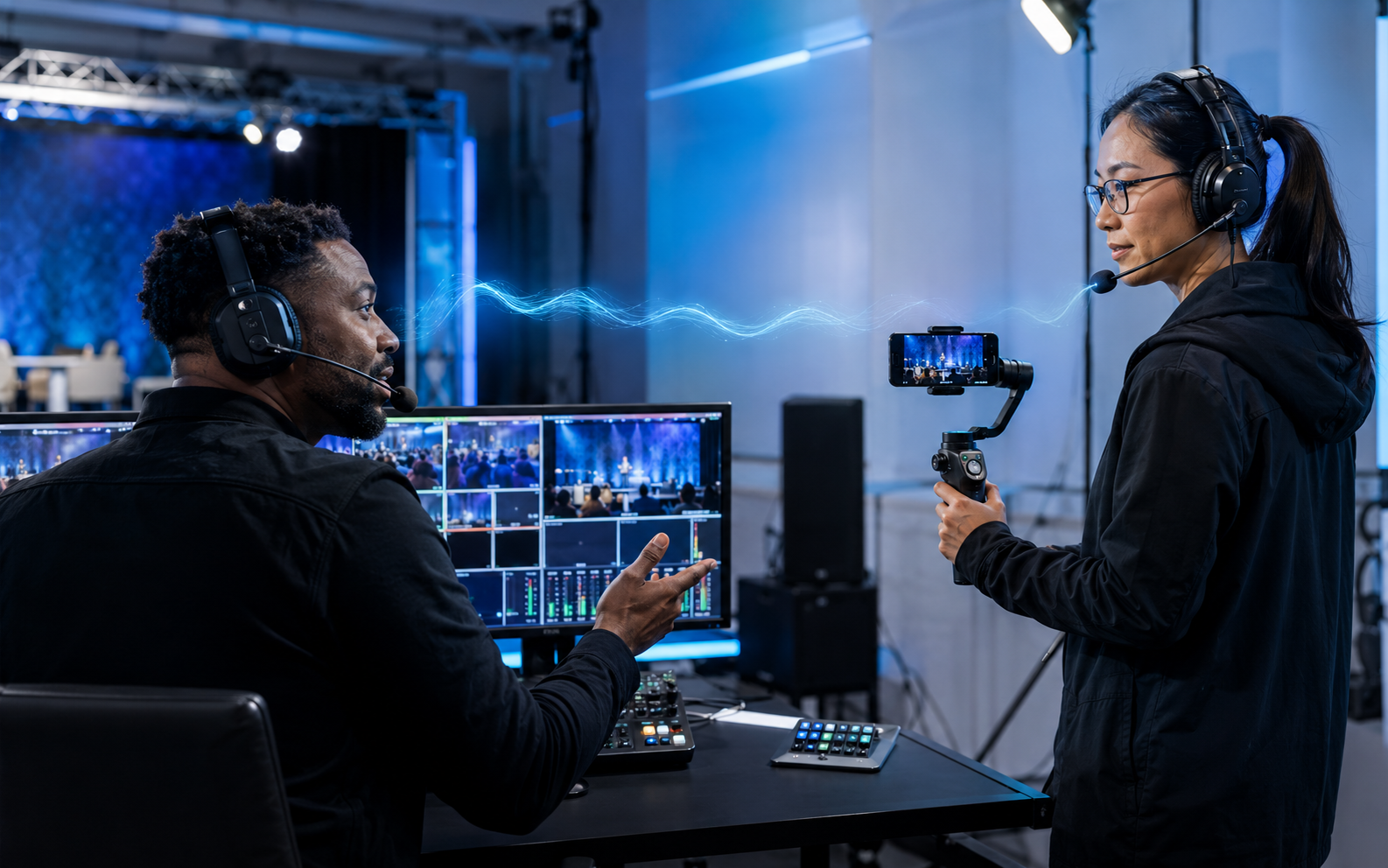
Two-way production Talkback
Clear cues. Confident camera operators.
Speak from the VyStream OBS Dock, hear your crew reply, and keep production communication separate from programme audio.
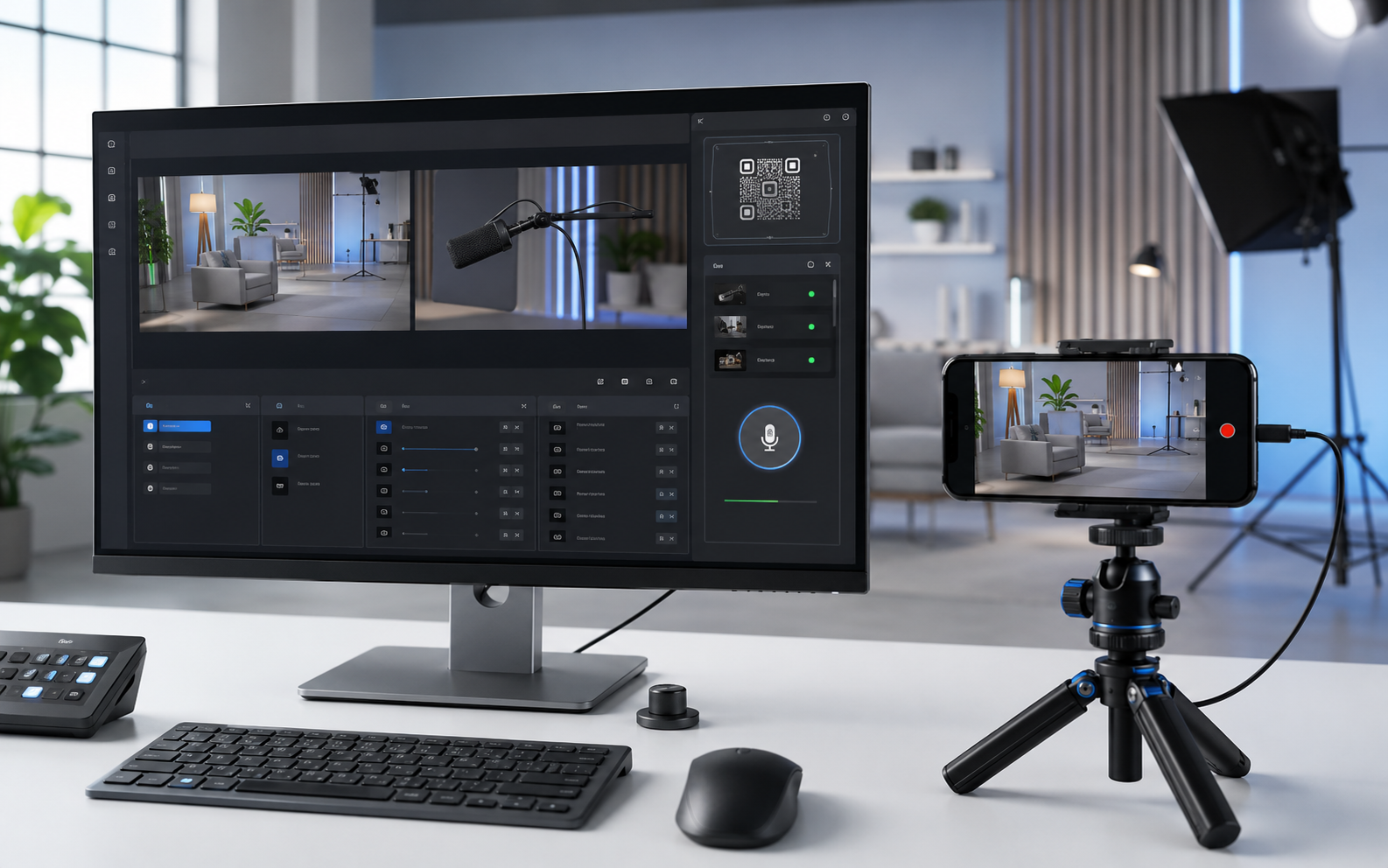
Built for OBS
Pair once. Discover fast. Stay in control.
Local discovery, QR pairing, camera identity and persistent OBS source creation from one integrated dock.
Plug in. Pair. Produce.
No hunting for IP addresses, hand-built SRT URLs or recreating sources every time.
A guided installer places the VyStream Dock inside OBS.
Open VyStream Camera and scan once on your local network.
Your named, persistent camera source is ready for production.
Production intercom
Director-to-operator cues, operator replies and crew communication remain separate from the recorded programme feed.
Purpose-built camera UI
Smooth controls stay within reach, then fade when you want an uninterrupted shot.
Desktop integration
The dock lives in OBS, discovers local cameras, keeps their names and restores persistent sources.
Simple licensing
Up to five active cameras per account and ten lifetime registrations before extra registration tokens are required.
Then $3/month for hosted licensing, discovery and Talkback service.
Create accountThen $0.50/month for each additional active camera.
Manage devicesPayments are enabled only after the site owner configures Paystack. Prices are stored and verified server-side.
Ready when you are
Turn the camera already in your pocket into part of your professional production workflow.
Download VyStream Camera